Mobile Play
The Best Games to Play on a Phone Browser
Jul 28, 20265 min read
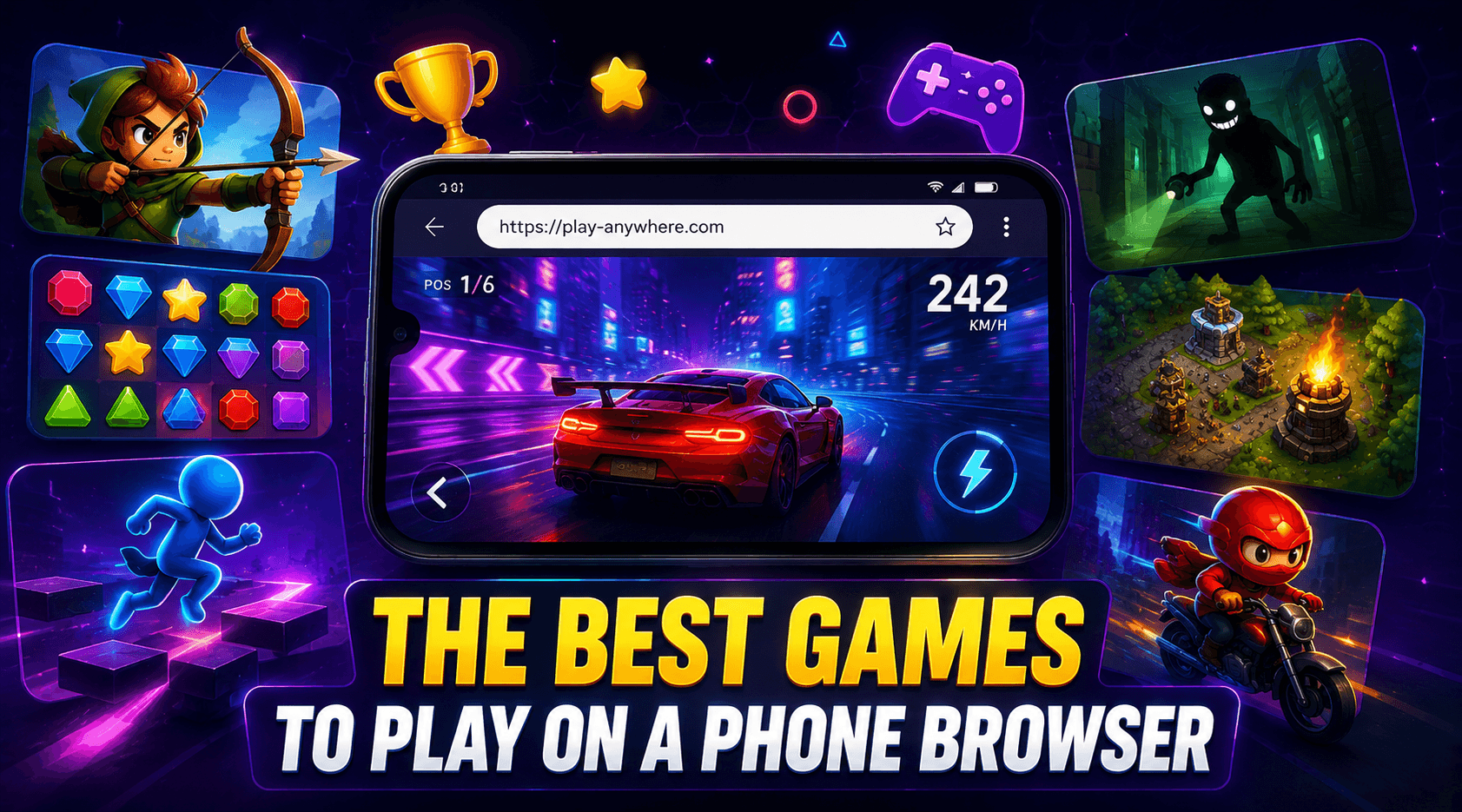
Which games work on a touchscreen, which ones fight you, and simple tweaks that make mobile browser gaming much better.
Nothing to install, nothing to store
Playing games in a phone browser has one enormous advantage over app stores: nothing installs, nothing takes up storage, and nothing asks for access to your contacts, camera or location. You tap a link and you're playing. For games you might try once, that's the difference between sampling a dozen and committing to none. The trade-off is that a touchscreen is a fundamentally different input device to a keyboard, and knowing which games respect that difference is most of the battle.
Which genres translate well
Games work on touch when their inputs are direct — tapping a thing, dragging a thing, holding a position. Puzzle, matching, casual, clicker and most .io games were largely designed around a single pointing input, so they feel completely natural on a phone. Racing works well with simple tap or tilt steering. What suffers is anything built around simultaneous key presses or precise aiming, where on-screen buttons take up space and remove the tactile feedback that made the original controls work.
Turn your phone sideways
Screen orientation matters more than most people expect. A game built for a wide display will letterbox awkwardly in portrait, wasting most of your screen, while rotating gives you a far larger playfield on exactly the same device. If a game feels cramped or fiddly, try landscape before concluding it doesn't work on mobile. It's worth turning off auto-rotate once you're settled, so a shift in how you're sitting doesn't resize the game mid-run.
Get rid of the browser furniture
The most common mobile frustration isn't the game at all — it's the browser. Address bars that appear and disappear as you scroll can resize the playfield while you're mid-game, which is maddening in anything requiring precision. Adding a favourite game to your home screen usually launches it in a cleaner full-screen view and removes the problem entirely. Closing background tabs helps too, since mobile browsers are much more memory-constrained than desktop ones.
Play on any device with PokiPix
Every game here runs in the browser you already have, on whatever device is nearest — phone, tablet, laptop or desktop. There's nothing to install and no account to create, so the same library is a tap away wherever you happen to be. Browse by category, find something that suits a touchscreen, and add it to your home screen if it earns a spot in your rotation.